Sign In

    Enjoy FOSSwire's content? Have it delivered! Subscribe

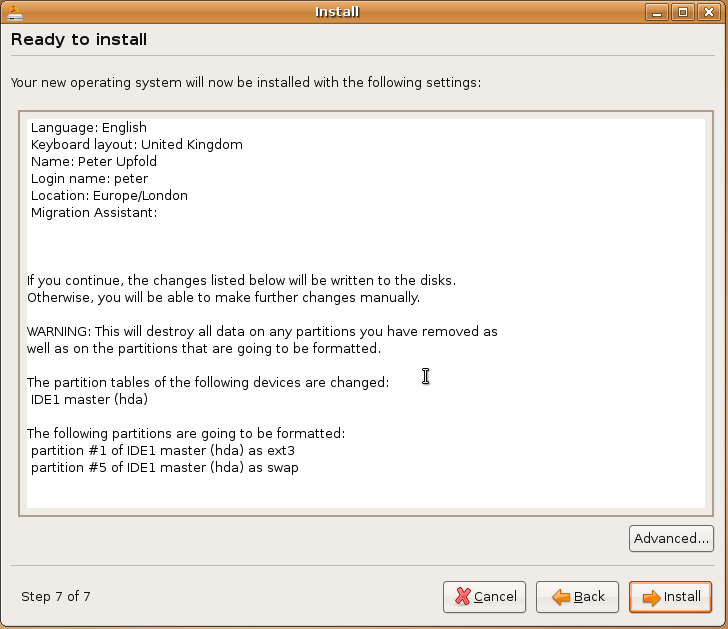
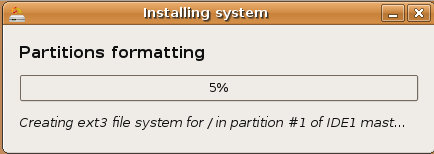
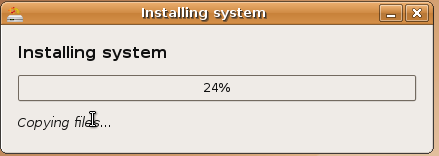
    Ubuntu Feisty Fawn install screenshots

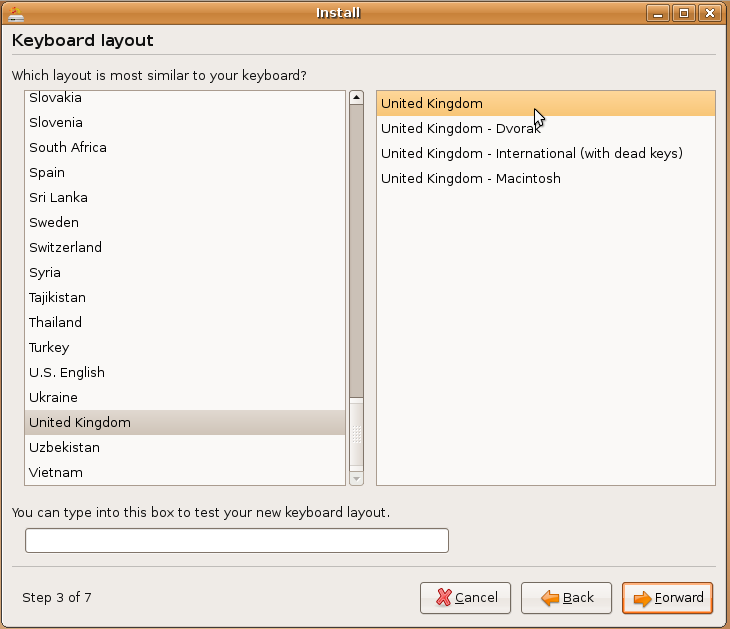
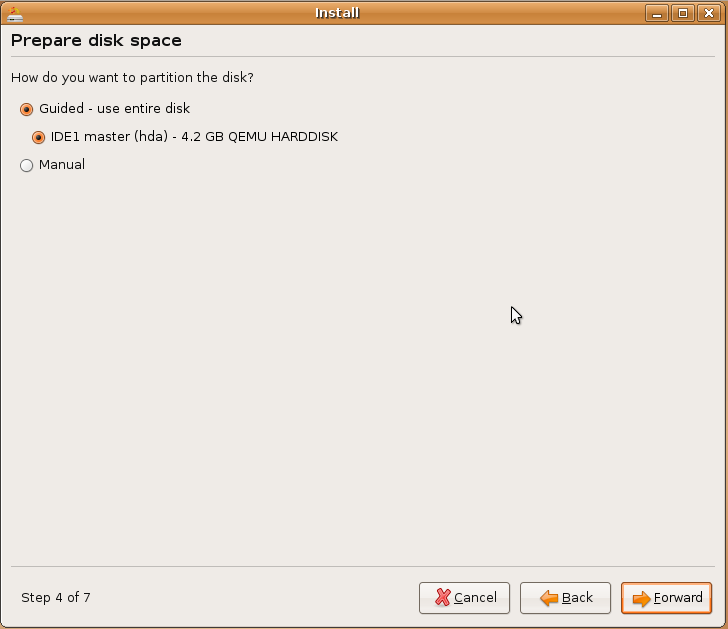
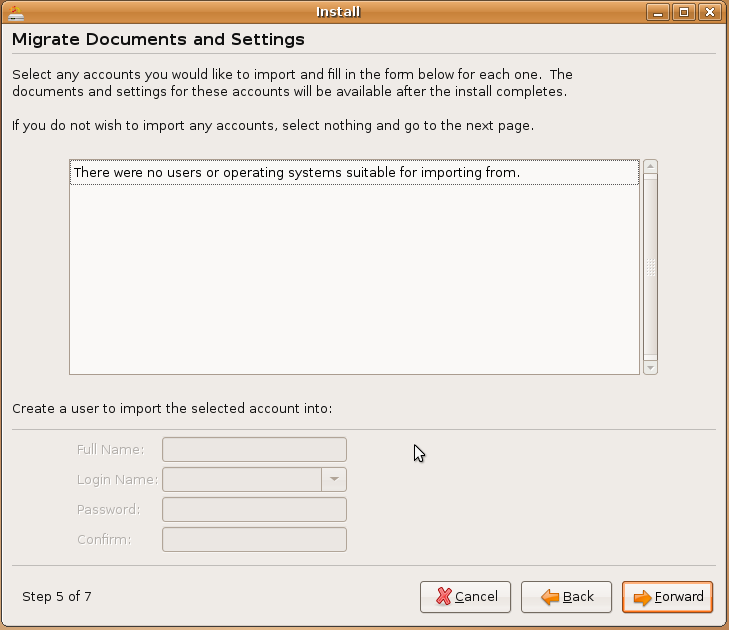
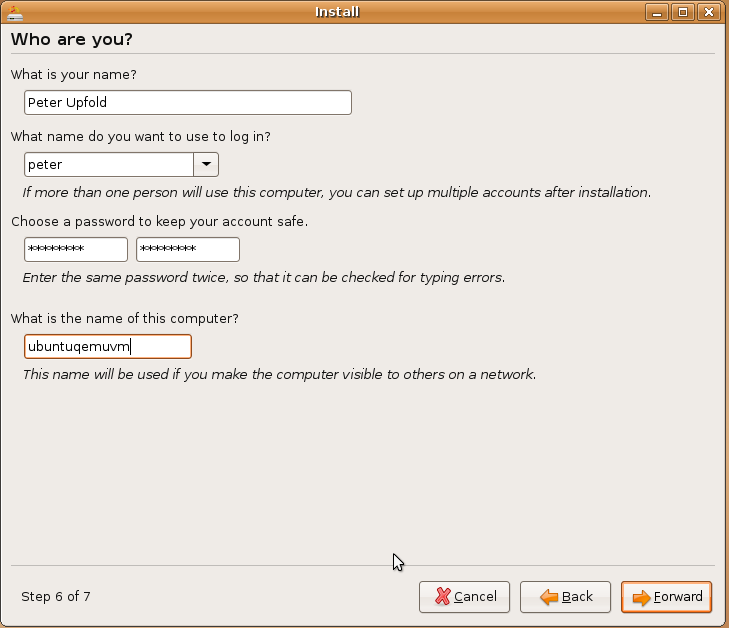
    I just got round to installing Ubuntu Feisty Fawn. The installer is pretty similar to previous versions, but there are a couple of new install features (including a new settings and documents migrator).

    Also if you're curious as to what the installer looks like, you might want to take a look. So, here are some screenshots for your viewing pleasure.
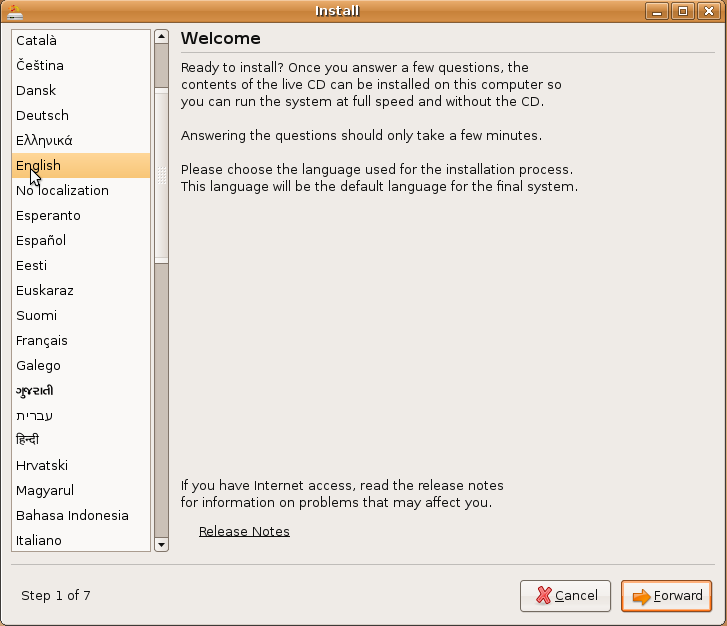
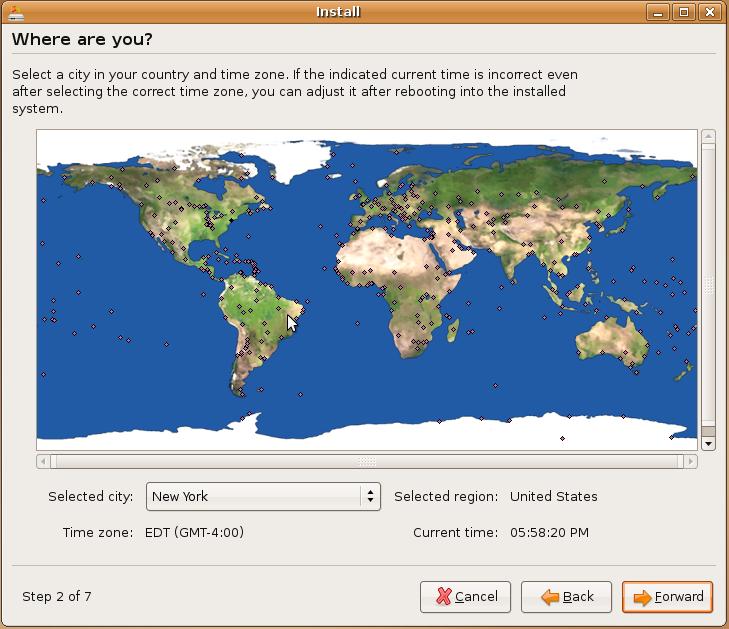
    Install screenshot 1

    Install screenshot 2

    Install screenshot 3

    Install screenshot 4

    Install screenshot 5

    Install screenshot 6

    Install screenshot 7

    Install screenshot 8

    Install screenshot 9

    Enjoy!


    Avatar for peter Peter Upfold - http://peter.upfold.org.uk/

    Peter Upfold is a technology enthusiast from the UK. Peter’s interest in Linux stems back to 2003, when curiosity got the better of him and he began using SUSE 9.0. Now he runs Ubuntu on his white MacBook, runs a CentOS-based web server from home for his personal website and dabbles in all sorts of technology things.


    Tagged in

    • FSDaily

    Home » Articles »

    Discussion: Ubuntu Feisty Fawn install screenshots

    1. Tim Koss (guest)

      # Posted on 18 January 2008 at 12:47 PM

      Does anyone know if you can install ubuntu 7.1 on a Pentium II with 128MB of ram?


    Did you like this article? Want to help write the content that makes FOSSwire great? Submit your own article and get it reviewed by other members.

    Home » Articles » Ubuntu Feisty Fawn install screenshots